
Create polished, pro-grade screen recordings.
Record, edit, and export professional videos with auto-zooms, cursor effects, and styled frames. Try free for 2 days.
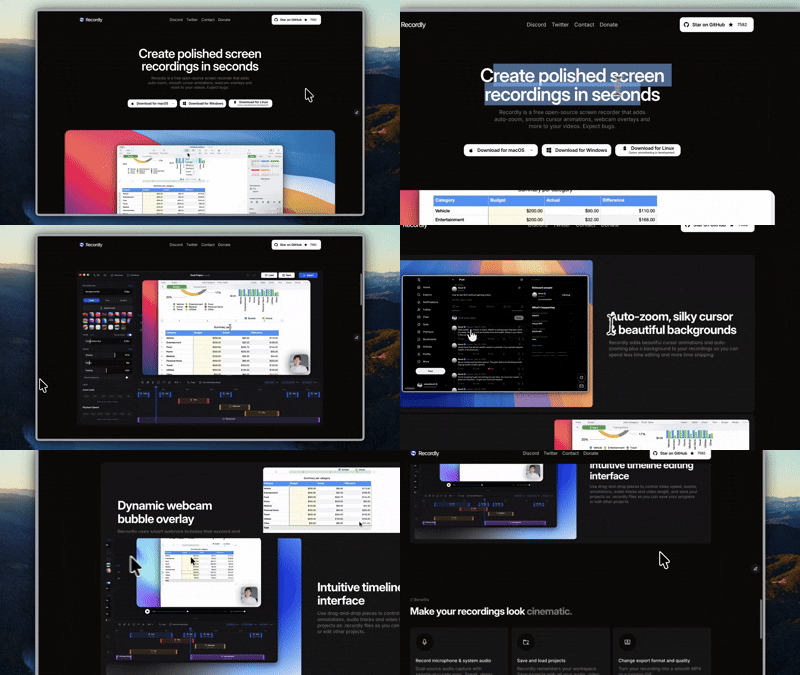
Everything you need for professional recordings
Auto-zooms, cursor effects, and styled frames built in. No extra tools needed.
Automatic Zoom Effects
Smart zoom follows your cursor activity. No manual keyframing needed.
- Auto zoom suggestions from cursor telemetry
- Manual zoom regions for precise control
- Smooth animated transitions
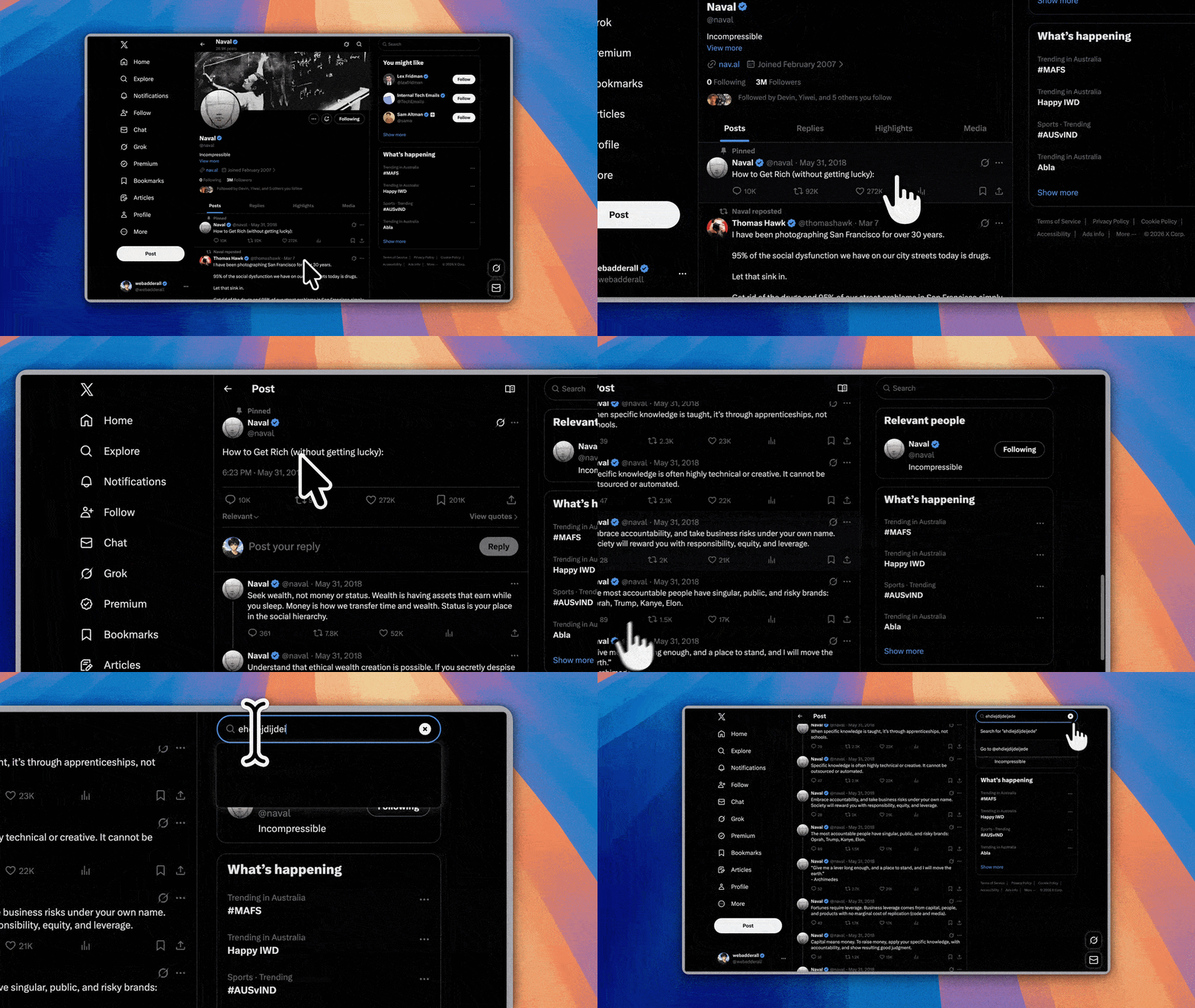
Polished Cursor Animations
Smooth movement, motion blur, click bounce. Your recordings look premium.
- Cursor smoothing for fluid motion
- Motion blur and click bounce effects
- macOS-style cursors on all platforms
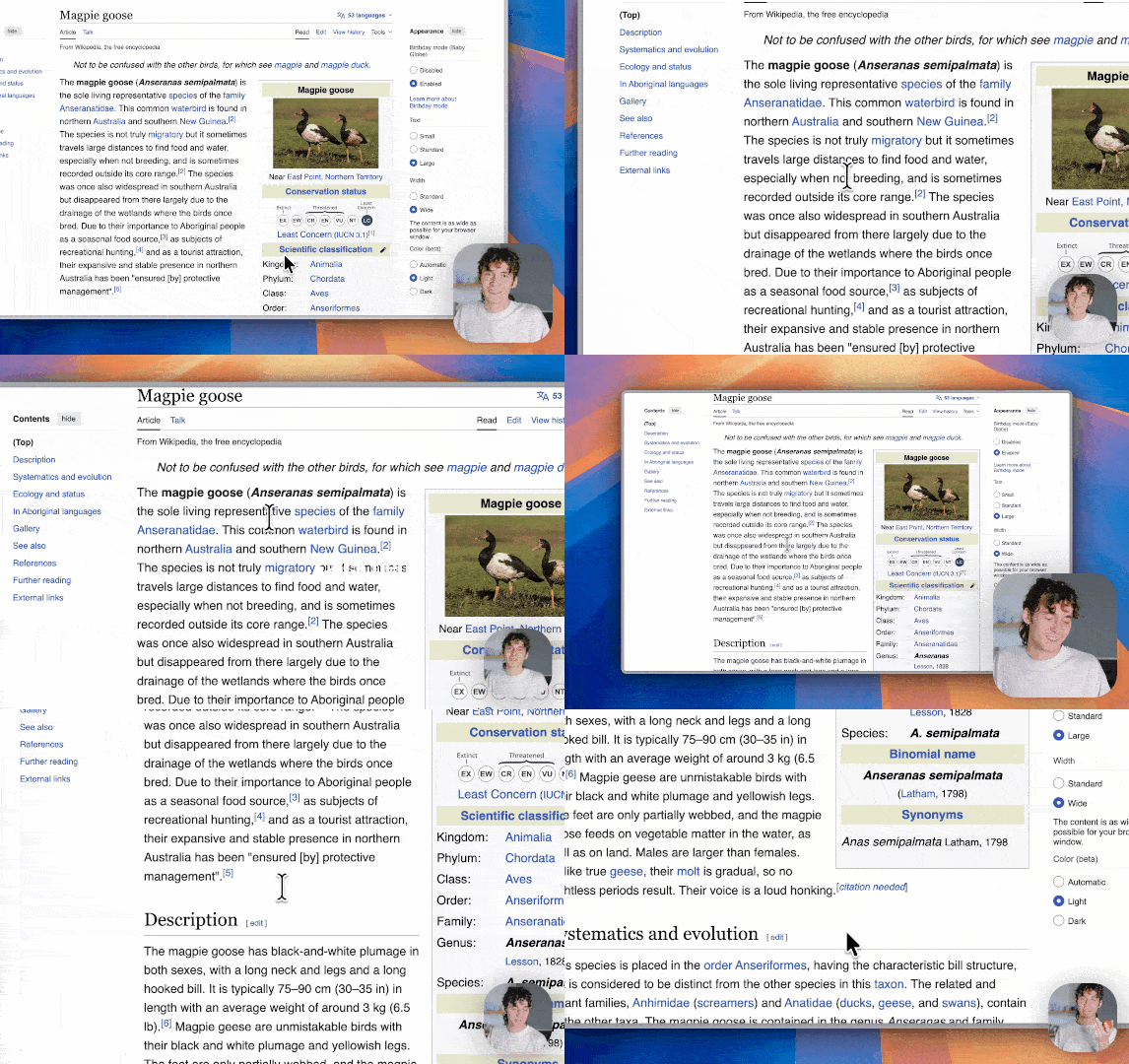
Styled Frames & Backgrounds
Wrap recordings in beautiful frames with wallpapers, gradients, and shadows.
- Built-in wallpapers and custom backgrounds
- Gradients, rounded corners, drop shadows
- Aspect ratio presets for any output target
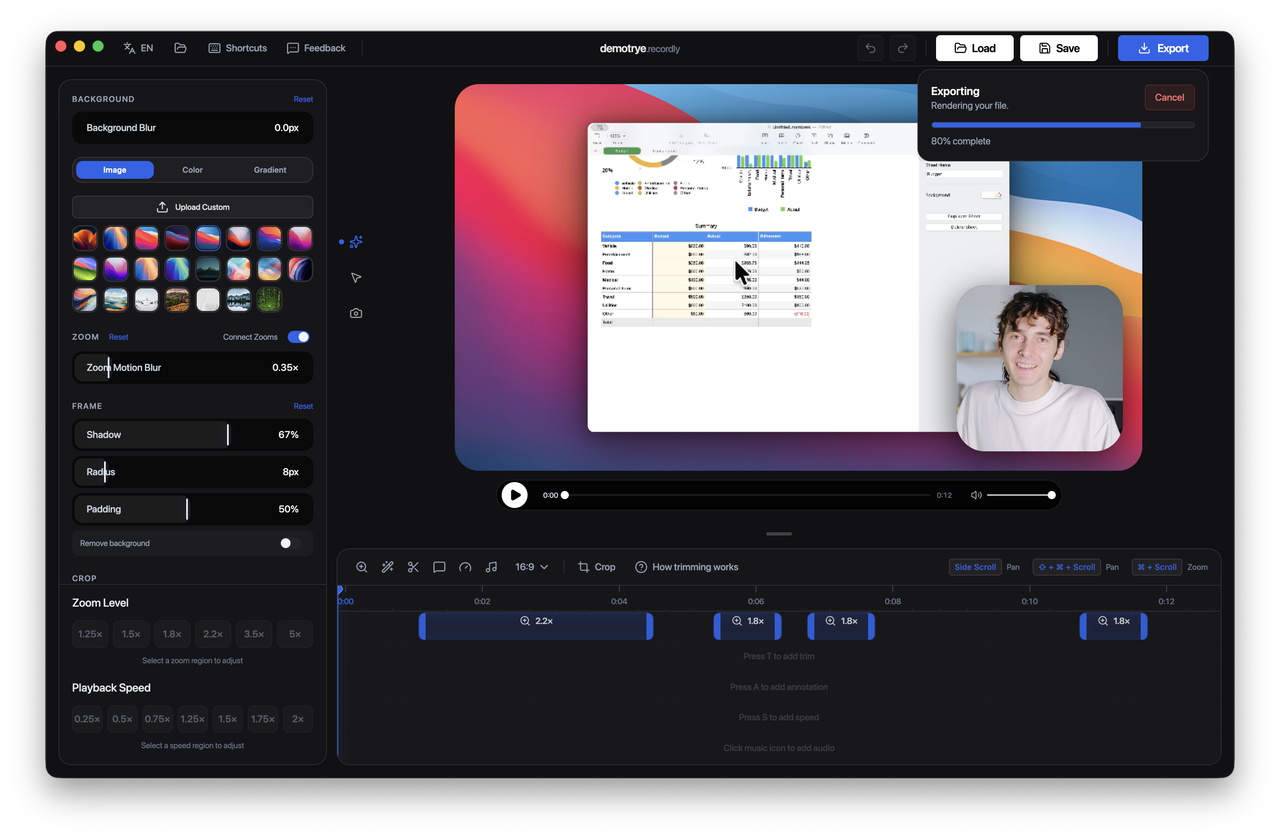
Record. Edit. Export. One app.
Stop switching between OBS, Premiere, and After Effects. Clipwise does it all.
Record
Capture your screen, window, or display with system and mic audio.
Edit
Add zooms, cursor effects, backgrounds, annotations, and captions.
Export
Export as MP4 or GIF with custom quality, size, and aspect ratio.
And there's more
Every feature you need, included in one price.
Webcam Overlay
Zoom-reactive bubble with position presets and shadow controls.
Auto-Captions
Local Whisper transcription. No cloud, no API keys needed.
Annotations
Text, images, and shapes overlaid on your recordings.
Speed Regions
Speed up or slow down sections of your recording.
GIF Export
Export as GIF with frame-rate, size, and loop controls.
Keyboard Shortcuts
Customizable shortcuts for faster editing workflows.
Auto-Updates
Stay on the latest version without manual downloads.
Multi-Language
English and Simplified Chinese supported.
One price. Everything included.
Try free for 2 days. Upgrade anytime. No subscription, ever.
Try all features before you buy
- All recording modes (screen, window)
- Auto-zoom with cursor detection
- 6 cursor effects (smoothing, blur, bounce, sway, etc.)
- Styled frames and backgrounds
- Webcam overlay with zoom-reactive scaling
- Auto-captions via local Whisper
- Timeline editing, trim, speed regions, annotations
- MP4 and GIF export
- Custom keyboard shortcuts
- Auto-updates
- Cross-platform: Mac, Windows, Linux
- Up to 2 devices per license
/year
Full access. Billed annually.
- All recording modes (screen, window)
- Auto-zoom with cursor detection
- 6 cursor effects (smoothing, blur, bounce, sway, etc.)
- Styled frames and backgrounds
- Webcam overlay with zoom-reactive scaling
- Auto-captions via local Whisper
- Timeline editing, trim, speed regions, annotations
- MP4 and GIF export
- Custom keyboard shortcuts
- Auto-updates
- Cross-platform: Mac, Windows, Linux
- Up to 2 devices per license
Pay once, own forever.
- All recording modes (screen, window)
- Auto-zoom with cursor detection
- 6 cursor effects (smoothing, blur, bounce, sway, etc.)
- Styled frames and backgrounds
- Webcam overlay with zoom-reactive scaling
- Auto-captions via local Whisper
- Timeline editing, trim, speed regions, annotations
- MP4 and GIF export
- Custom keyboard shortcuts
- Auto-updates
- Cross-platform: Mac, Windows, Linux
- Up to 2 devices per license
How we compare
| Feature | Clipwise | Screen Studio | Loom | OBS |
|---|---|---|---|---|
| Price | $59.90 | $89 | $12.50/mo | Free |
| Cross-Platform | ||||
| Auto-Zoom | ||||
| Cursor Effects | ||||
| Webcam Overlay | ||||
| Auto-Captions | ||||
| Styled Frames | ||||
| GIF Export | ||||
| Timeline Editor | ||||
| Annotations | ||||
| Speed Regions | ||||
| Local Processing | ||||
| Auto-Updates |
Built for every use case
Product Demos
Showcase features with polished, professional recordings.
Tutorials
Create walkthroughs and how-to videos with auto-zoom and captions.
Social Media Clips
Export eye-catching GIFs and short clips for any platform.
Bug Reports
Record reproduction steps with annotations and captions.
Onboarding Videos
Help new users get started with guided screen recordings.
Changelog Recordings
Show what changed in your latest release with visual context.
Supported by a real community
Join thousands of creators who trust Clipwise for their screen recordings. Get help, share tips, and shape the product roadmap.
Ready to create polished recordings?
Try free for 2 days. One-time $59.90 after that.